
How to Install IPTV on iPhone, iPad & Apple TV
Stream 45,000+ live channels and on-demand movies on your iPhone, iPad, or Apple TV in crystal-clear quality.
Before you start
- iPhone, iPad, or Apple TV running iOS 15 or later
- Active 8K IPTV Strong subscription credentials
Step by step
-
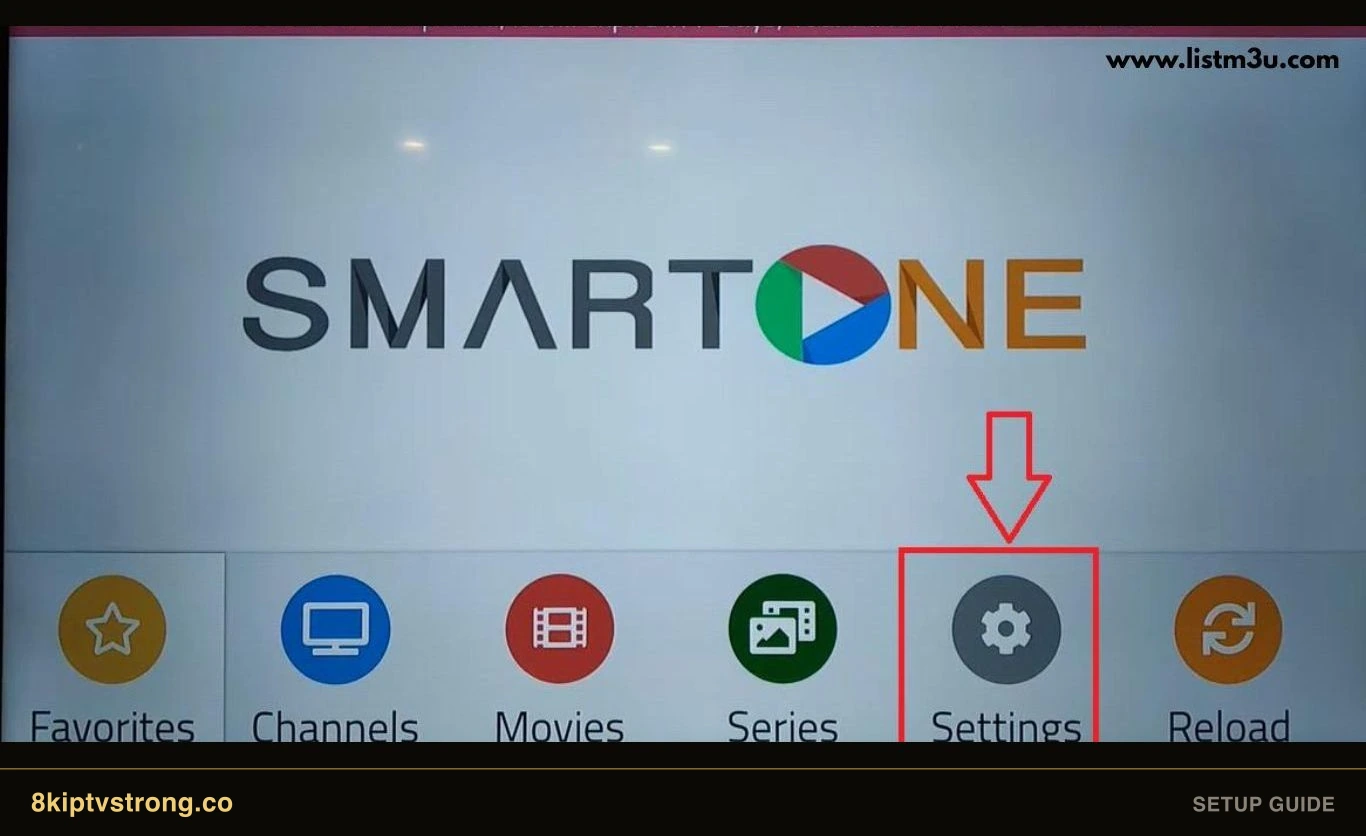
Open the Apple App Store
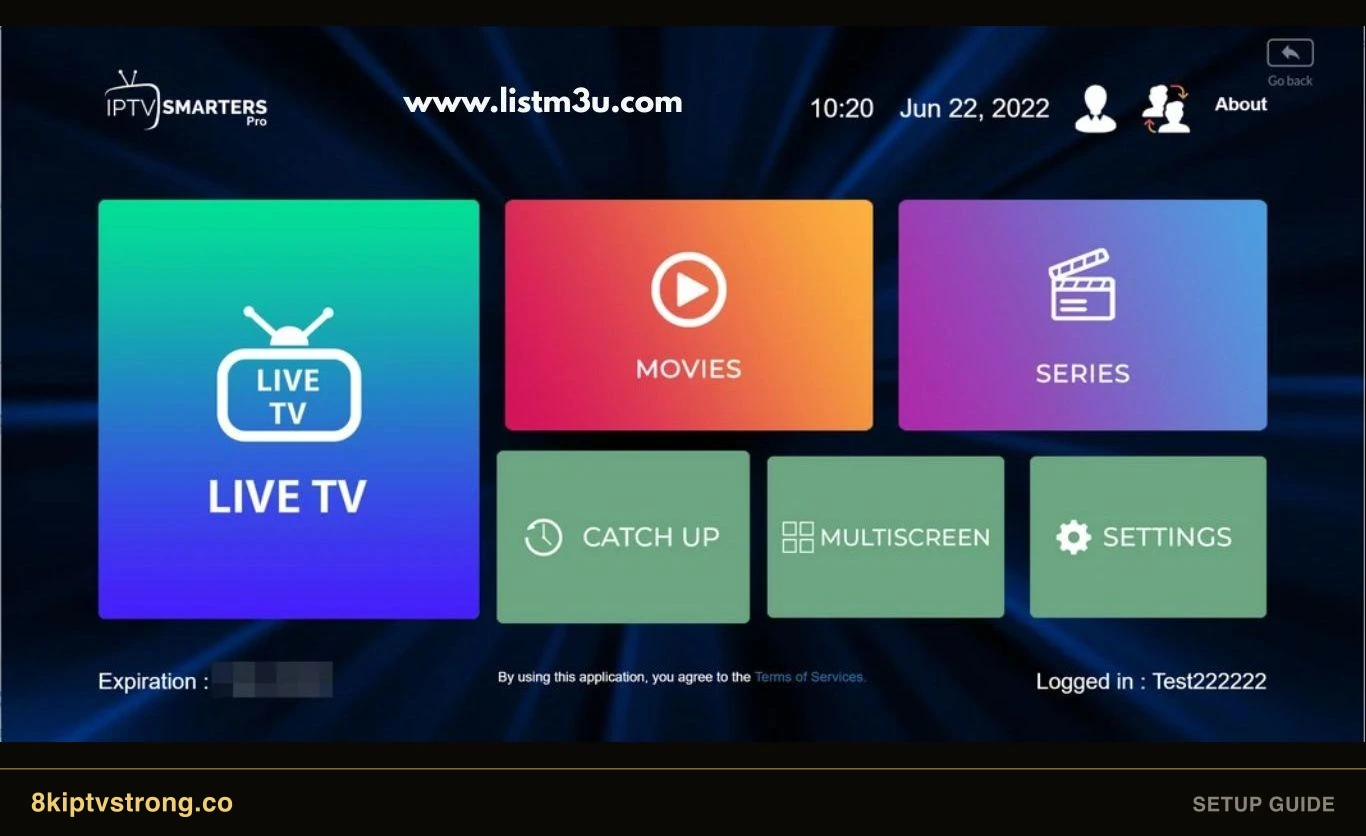
Open the App Store on your iPhone, iPad, or Apple TV and search for "IPTV Smarters Pro" or "IBO Player".
-
Download and install the app
Tap Get to download and install the app on your Apple device. Authentication via Face ID or Touch ID may be required.
-
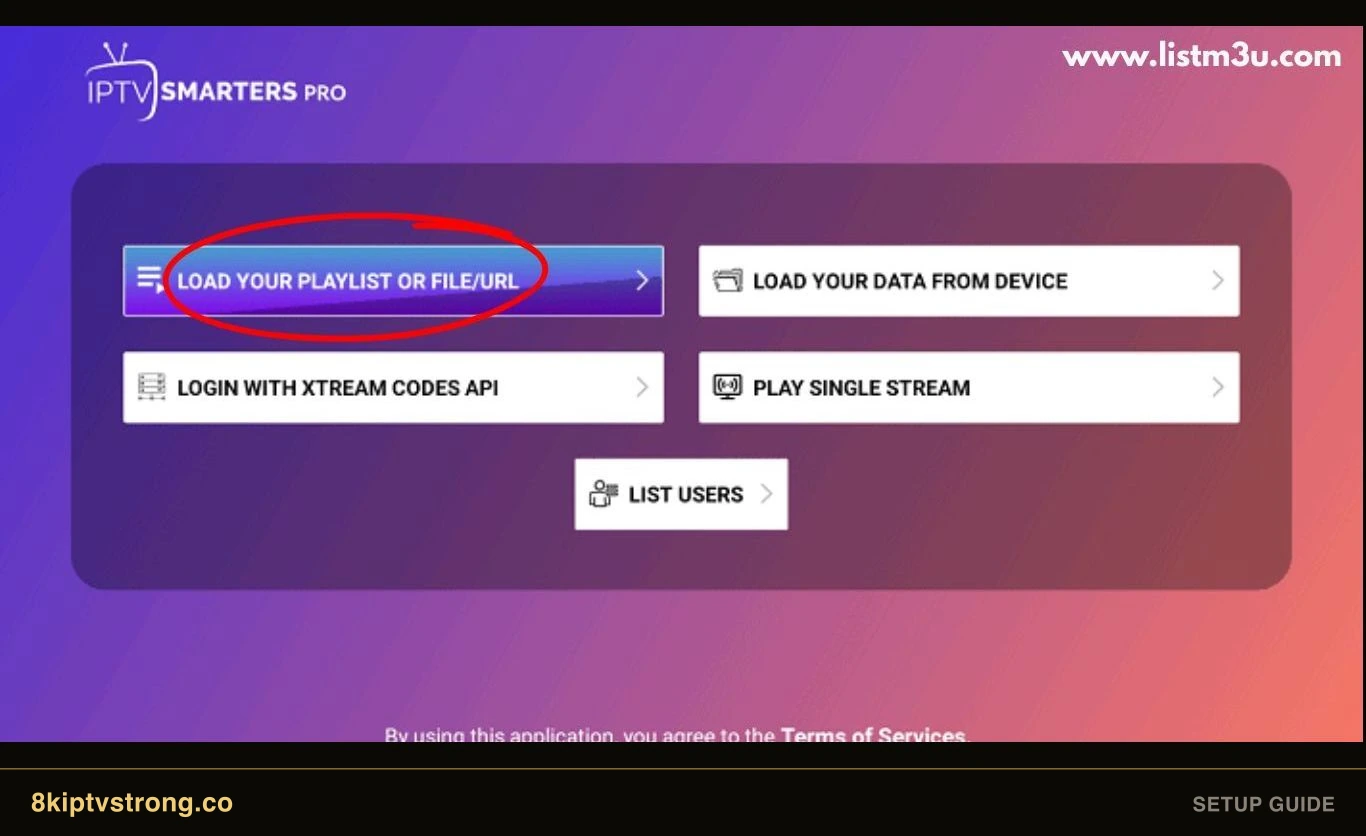
Open the app and accept terms
Launch the application from your home screen and accept the terms of service to proceed to the login screen.
-
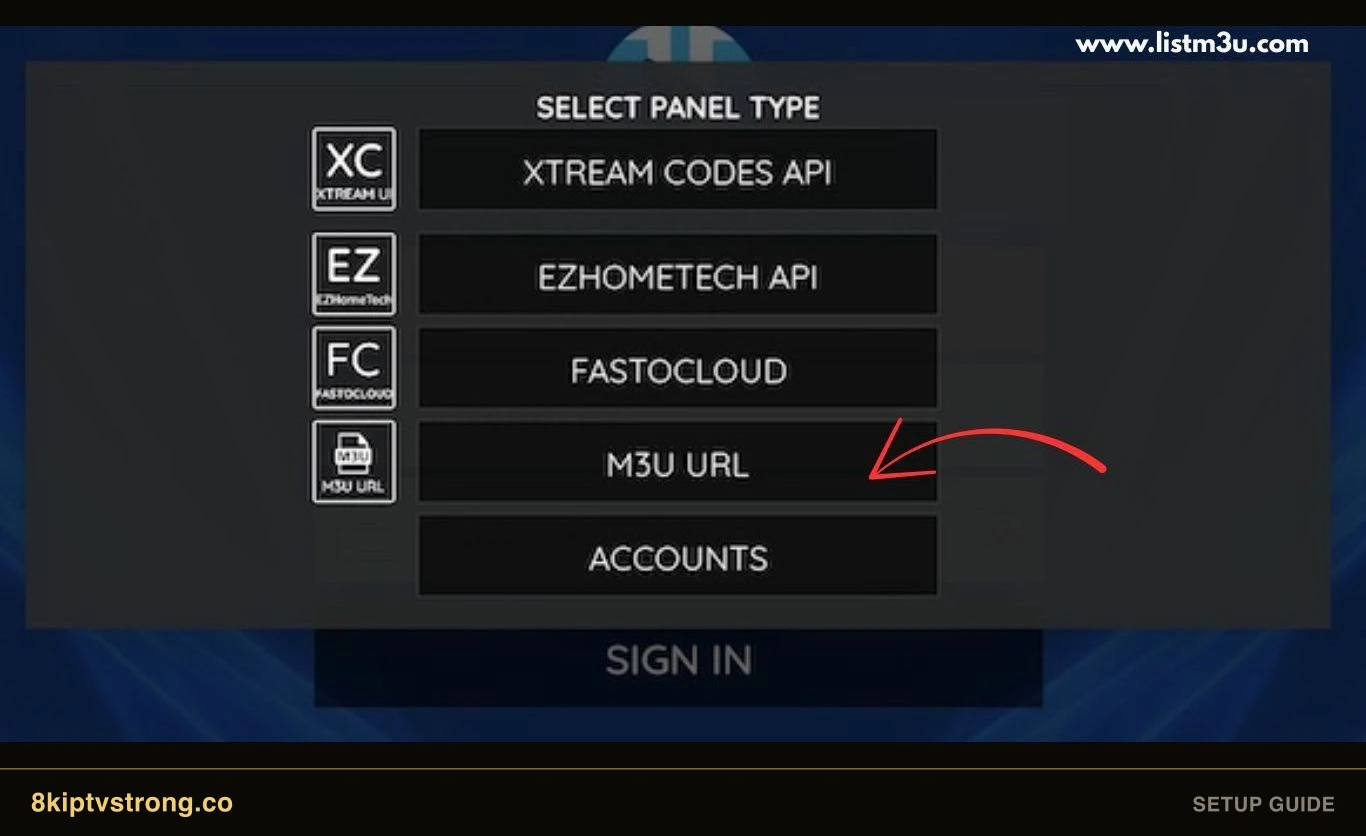
Select Xtream Codes API
Tap "Login with Xtream Codes API" for the most reliable connection that supports electronic programme guides (EPG) and VOD posters.
-
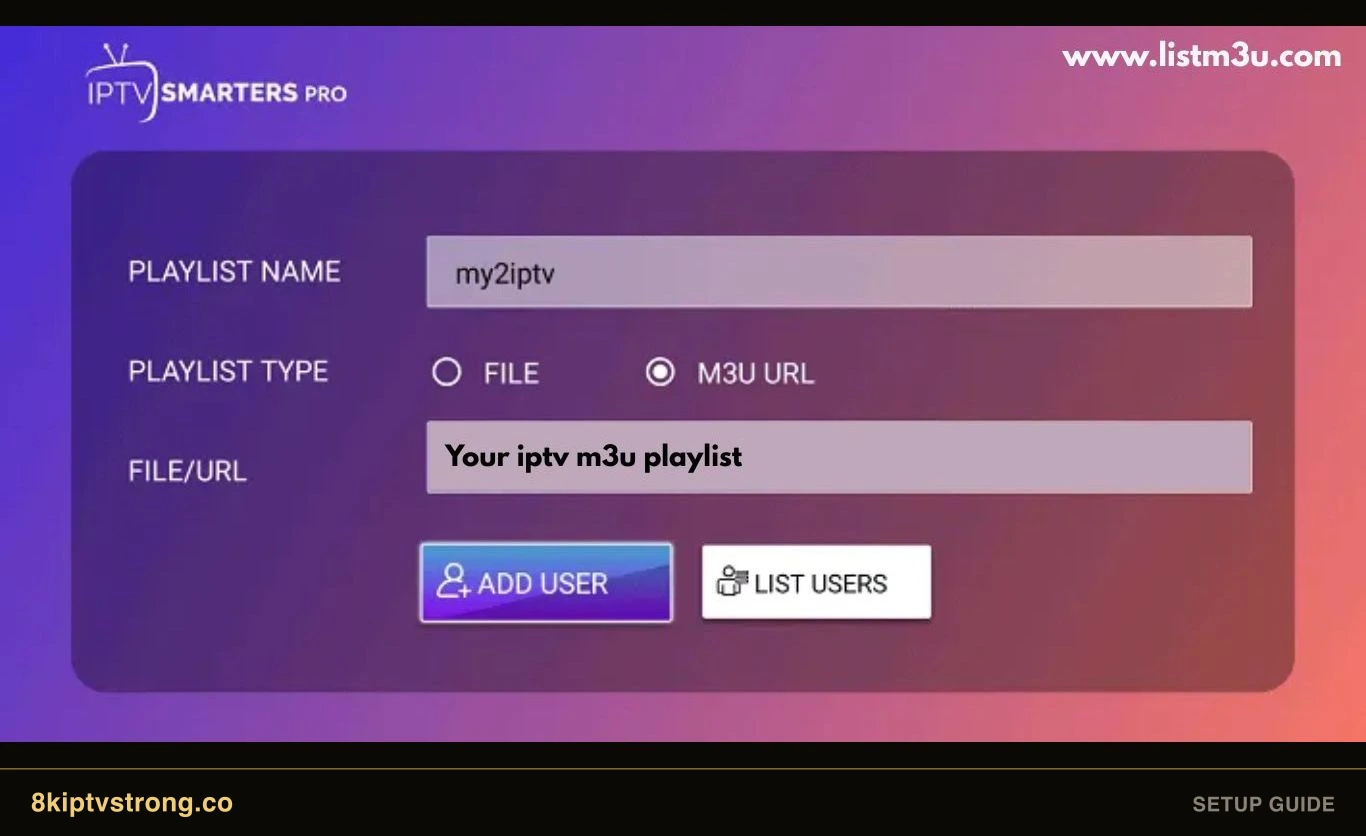
Enter credentials and start streaming
Input your server URL, username, and password, then tap Add User. Your channels and movies will load instantly.
iPhone, iPad & Apple TV setup not working?
These are the failures that account for almost every support message, listed in the order they turn out to be the cause.
-
IPTV Smarters was removed from App Store
Search for "IBO Player" or "GSE Smart IPTV" in the App Store as high-performing alternative players.
-
Audio works but video is black screen
Go to the player settings and switch the decoder from Hardware to Software, or vice versa.
Make it work better
- Enable AirPlay to beam streams effortlessly from your iPhone to any Apple TV or compatible AirPlay 2 smart TV.
- Download channel favorites so you can jump to preferred streams without scrolling.
Common questions
Does my subscription work on both iPhone and Apple TV?
Yes, your login works across multiple devices, subject to your simultaneous connection limit.