
How to Setup IPTV on Enigma2 & MAG Box
Activate your MAG box or Enigma2 satellite receiver using your device MAC address for seamless hardware-accelerated playback.
Before you start
- Enigma2 satellite receiver or MAG box (MAG 250, 254, 322, 420, etc.)
- MAC address of your device
- 8K IPTV Strong portal URL
Step by step
-
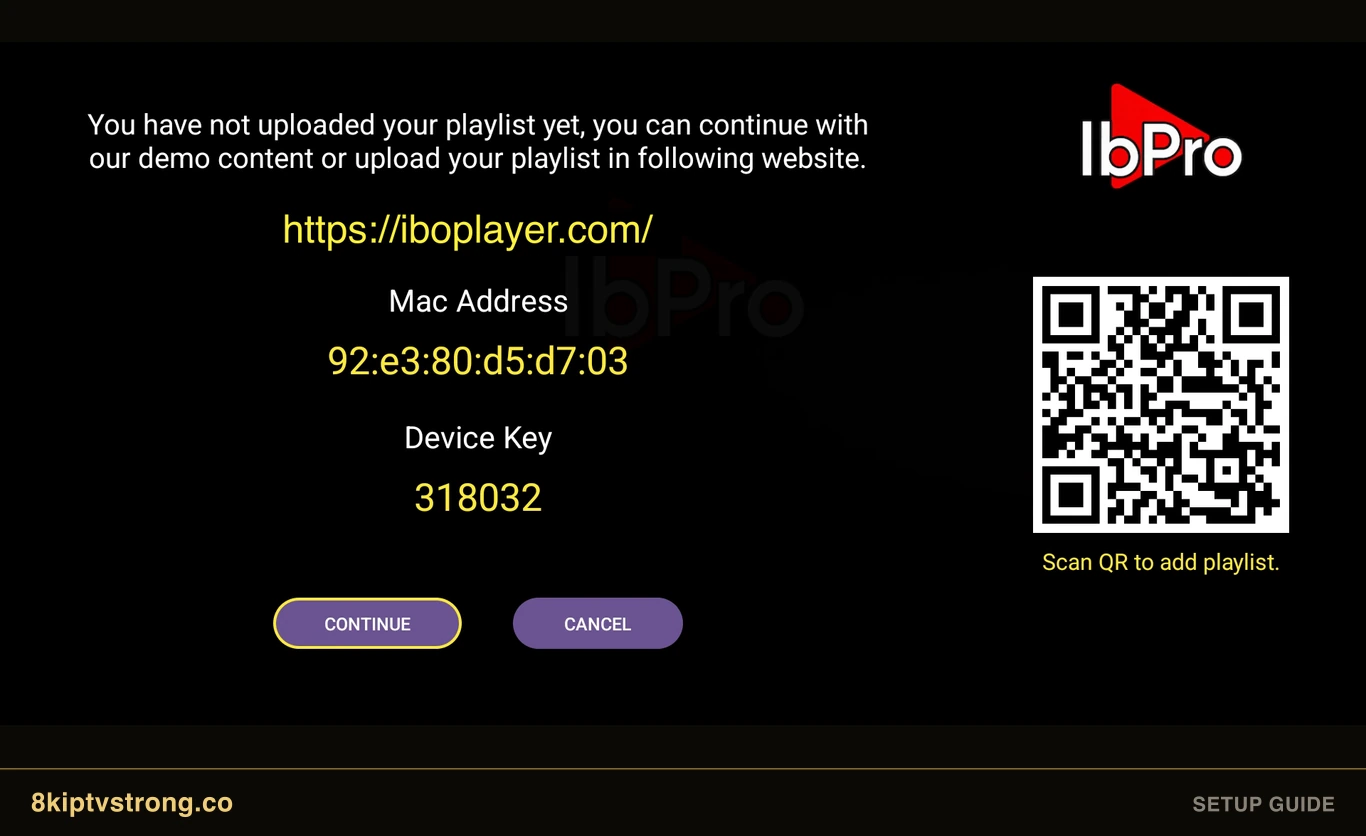
Locate your MAC address
Find the MAC address printed on a sticker underneath your MAG box or in the System Settings > Network settings of your Enigma2 receiver.
-
Send MAC address to support
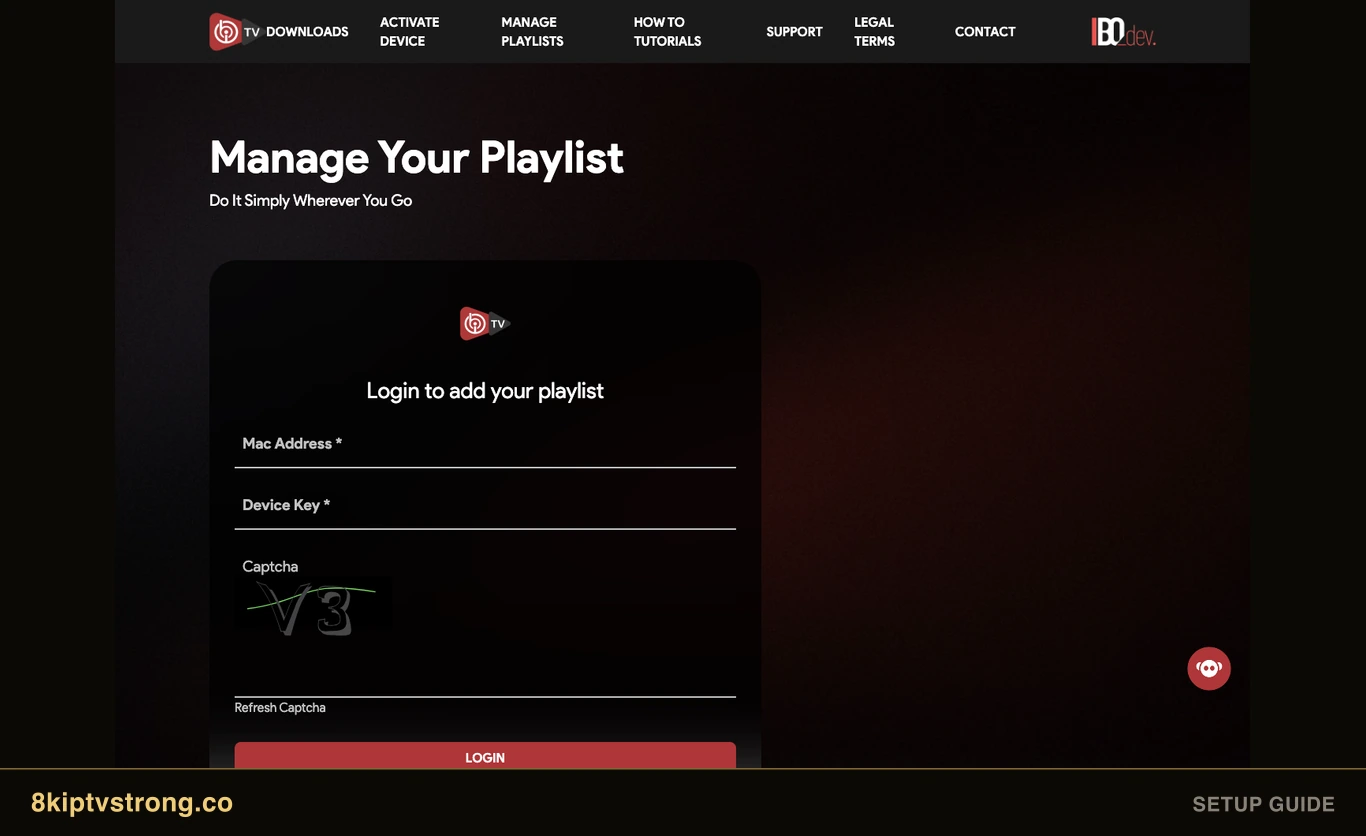
Provide your MAC address and portal URL to our 24/7 support team to register your device on our server.
-
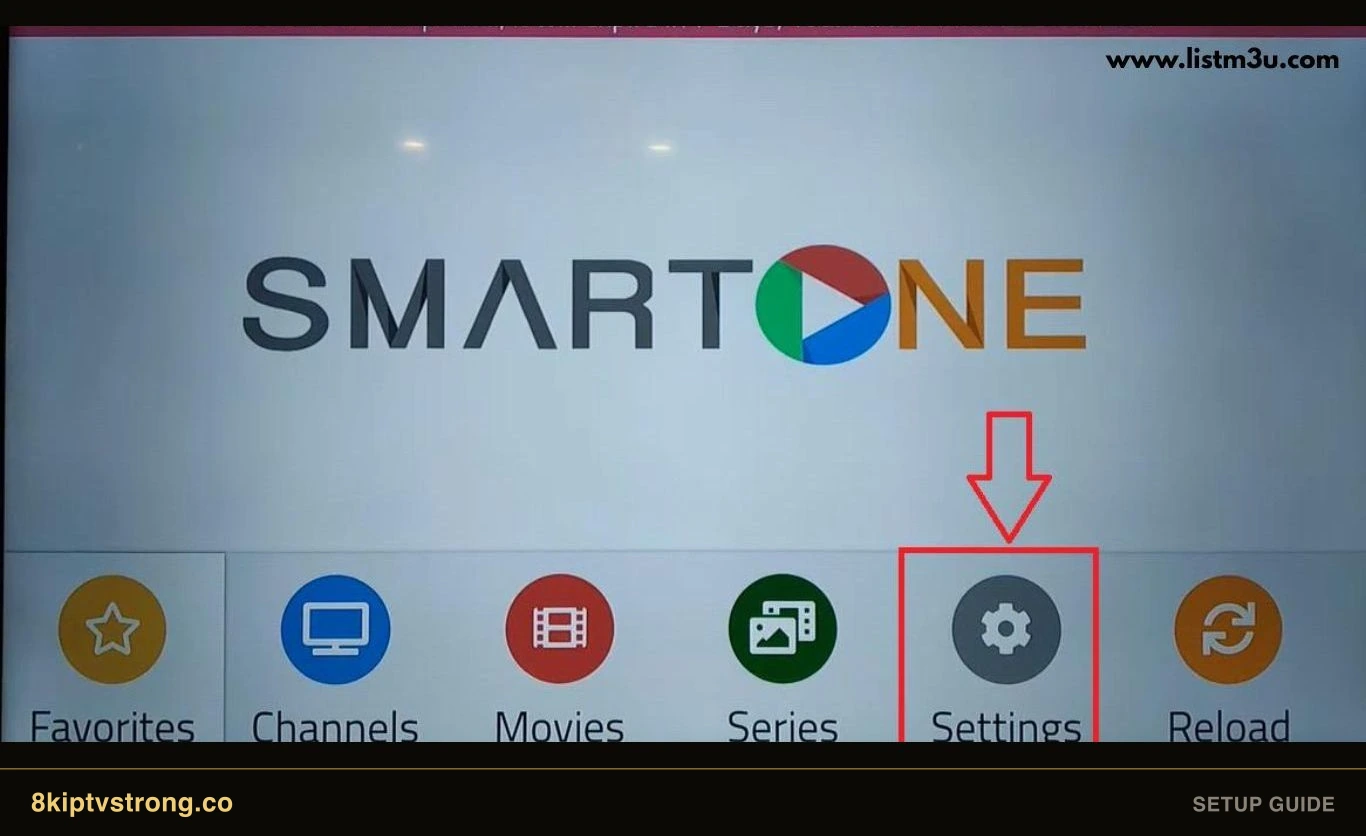
Configure MAG portal URL
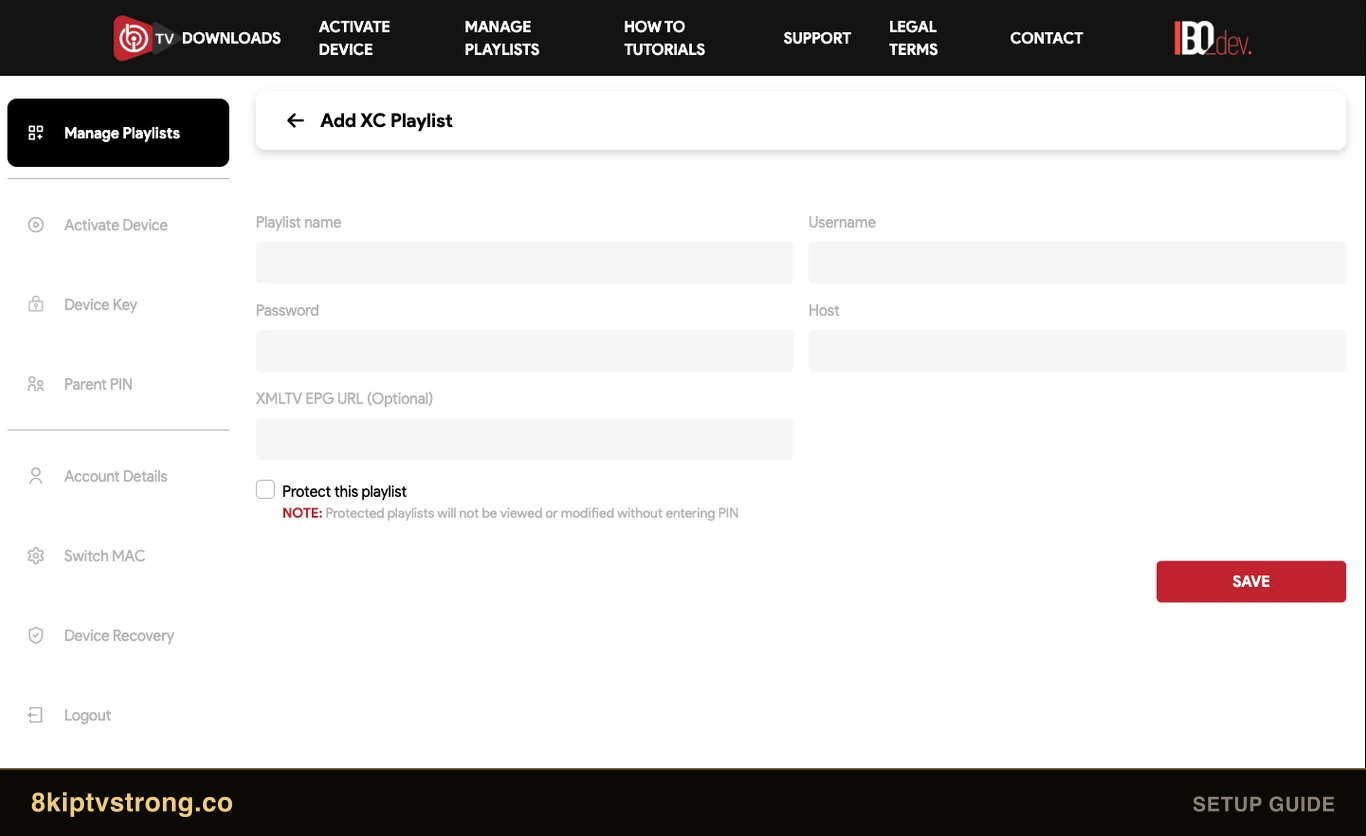
On your MAG box, go to Settings > Servers > Portals, enter our portal URL in Portal 1 URL, and save. On receivers that run IBO Player instead, sign in at iboplayer.com and choose Add XC Playlist.
-
Reboot your set-top box
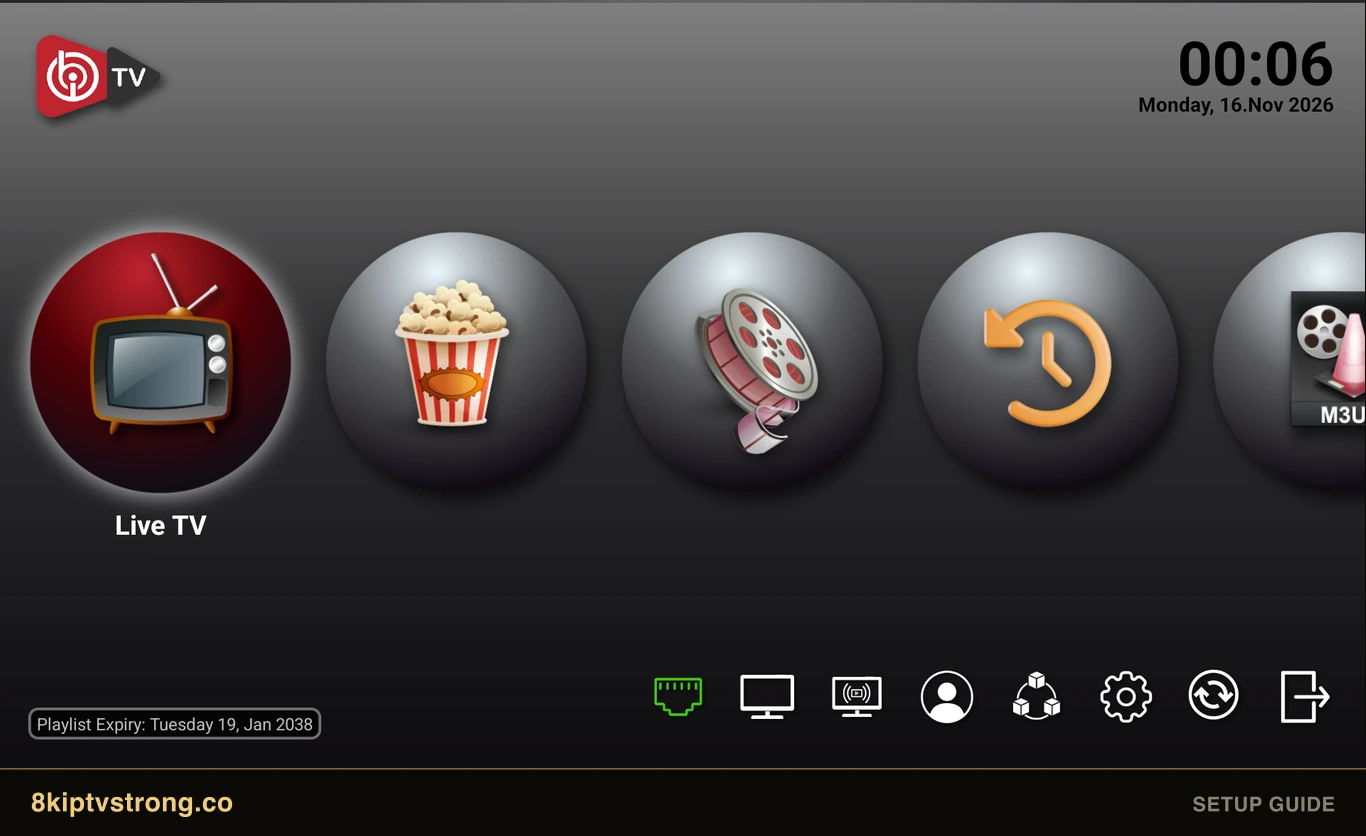
Restart your MAG box or Enigma2 receiver so it loads the portal and syncs channels from our server.
-
Start streaming
Your channel list, EPG, and VOD library will appear on screen automatically.
Enigma2 & MAG Box setup not working?
These are the failures that account for almost every support message, listed in the order they turn out to be the cause.
-
Portal shows "Your STB is not supported"
Contact support to ensure your MAC address was registered accurately in our billing system.
-
Portal loading hangs at 10%
Restart your home router and the MAG box. Check that NTP time server settings on the box are reachable.
Make it work better
- Always power cycle your set-top box after support confirms your MAC activation.
- Set video output to Auto or 2160p to take full advantage of 4K broadcasts.
Common questions
Where do I find my MAC address?
The MAC address always starts with 00:1A:79 (for MAG) or is shown in your Enigma2 plugin network info.