
How to Setup IPTV Smarters Player Pro
Step-by-step instructions for installing and logging into IPTV Smarters Pro on any smart TV, phone, or streaming stick.
Before you start
- IPTV Smarters Pro installed on your device
- 8K IPTV Strong subscription credentials
Step by step
-
Open IPTV Smarters Pro
Launch the application and select your device type if prompted.
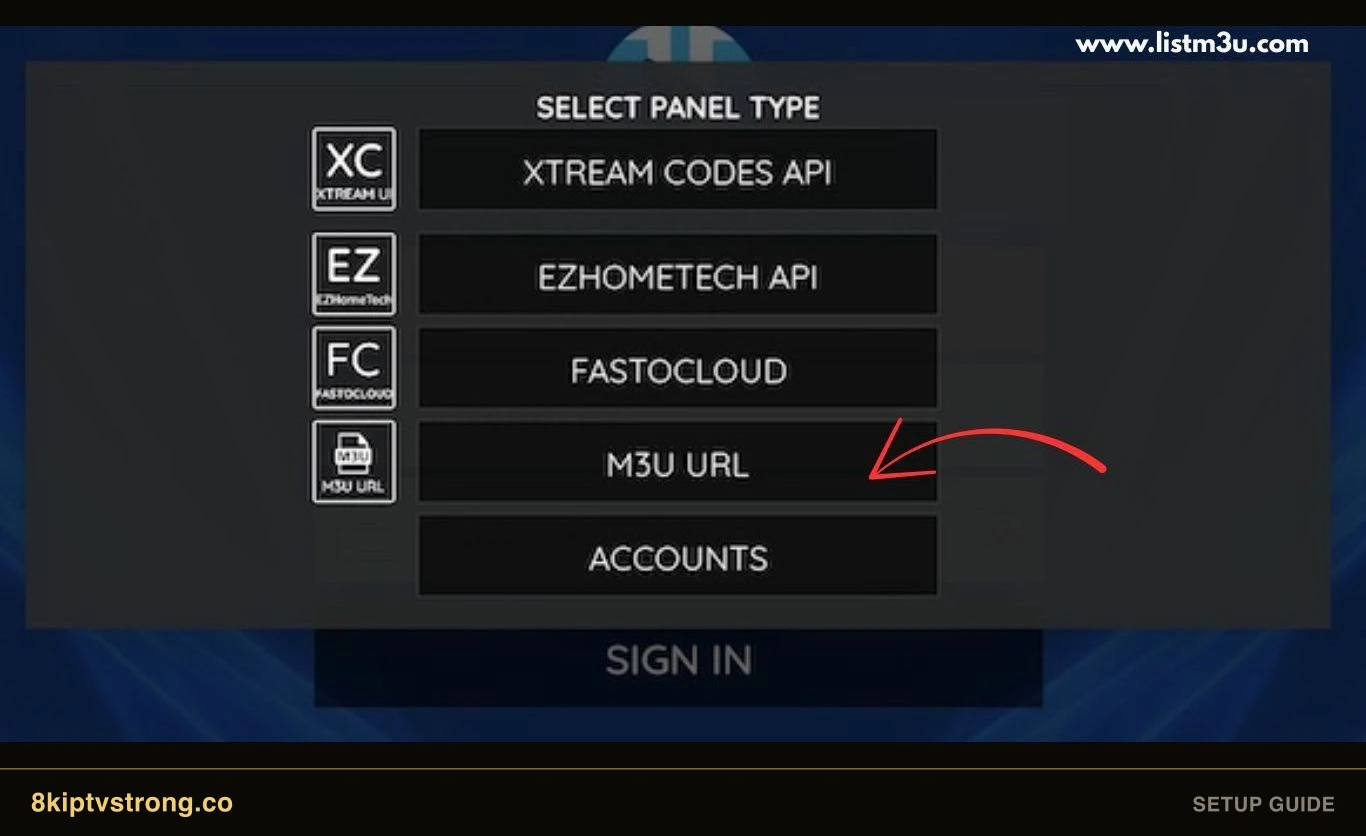
-
Choose Login with Xtream Codes API
Click on "Login with Xtream Codes API" for the most secure and feature-rich connection.
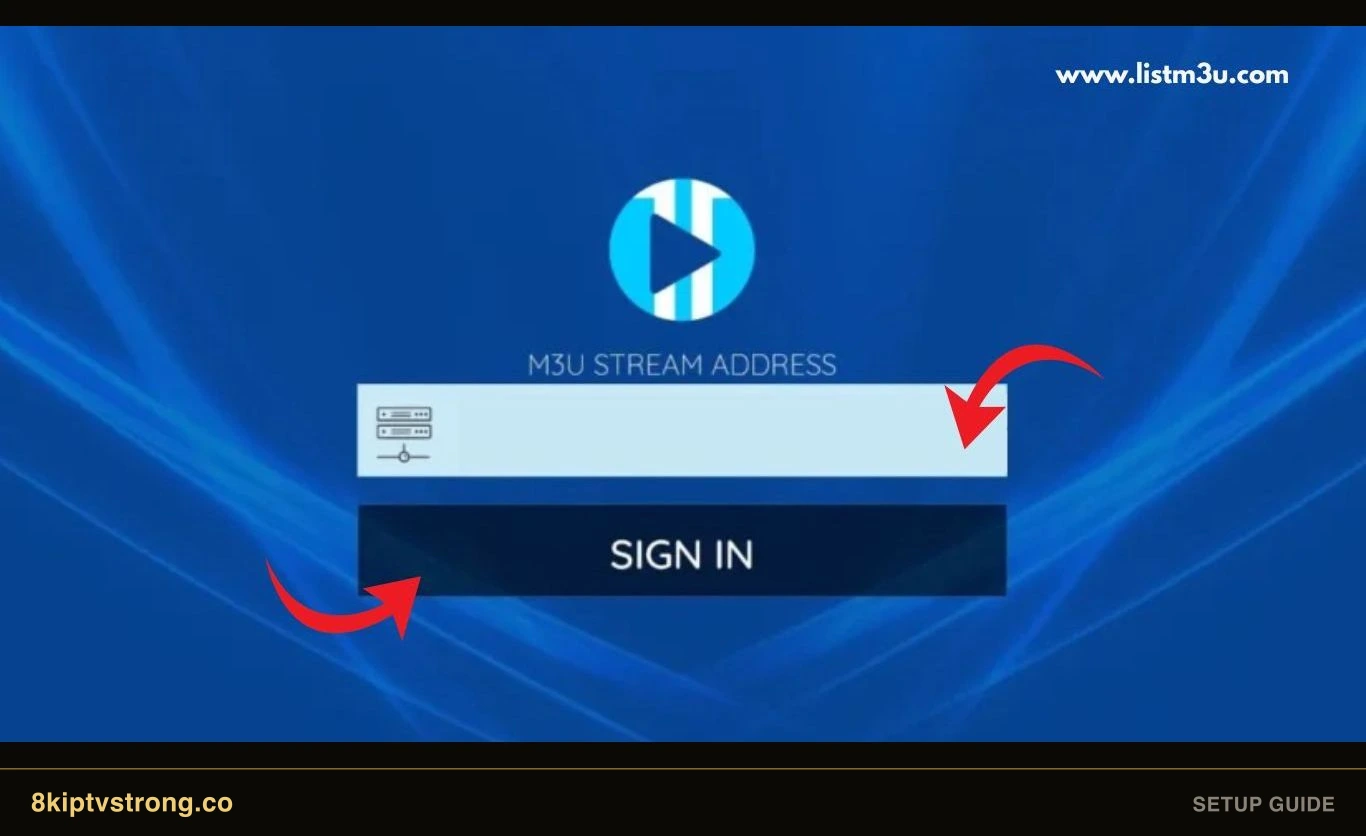
-
Enter your credentials
Fill in your Any Name (e.g. 8K IPTV), Username, Password, and Server URL exactly as supplied in your email.
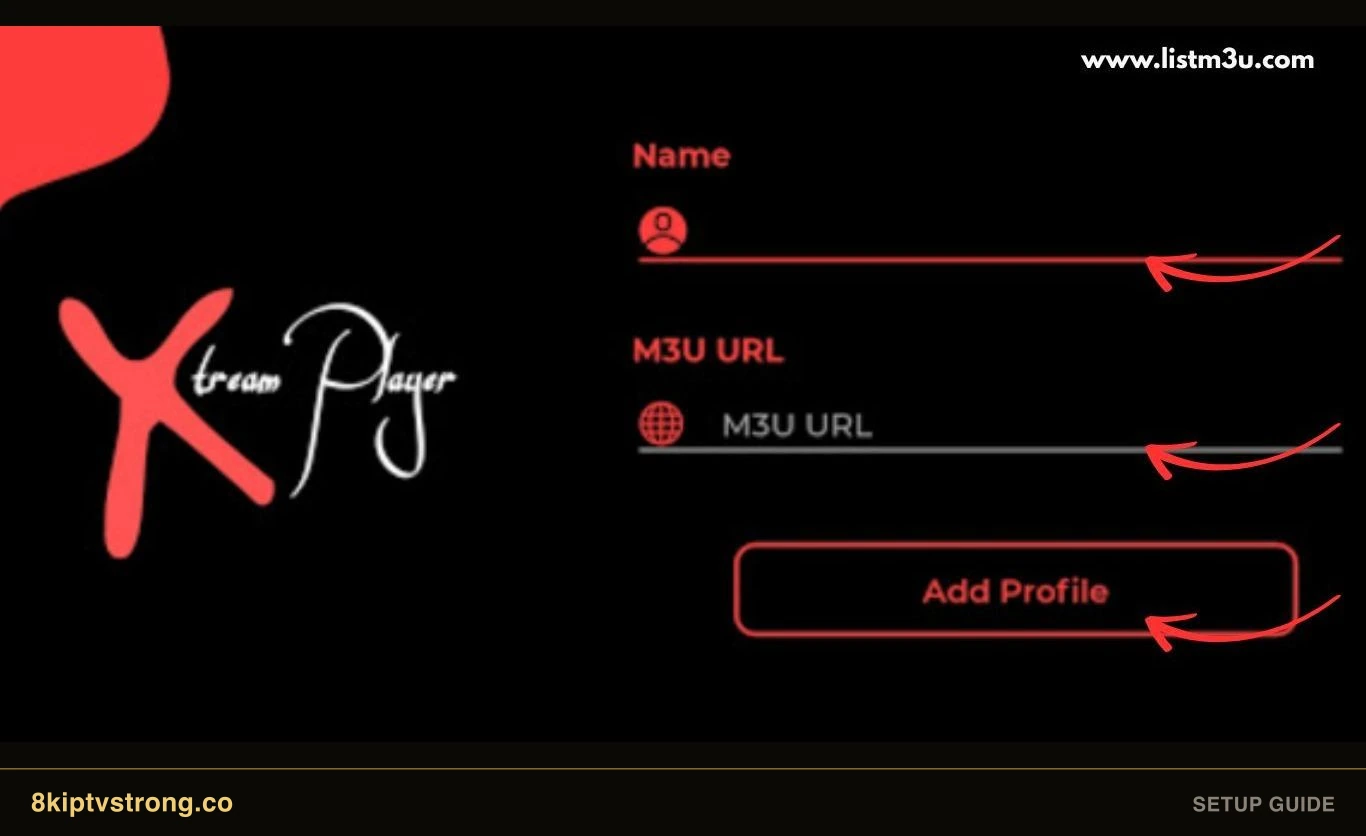
-
Add User and load content
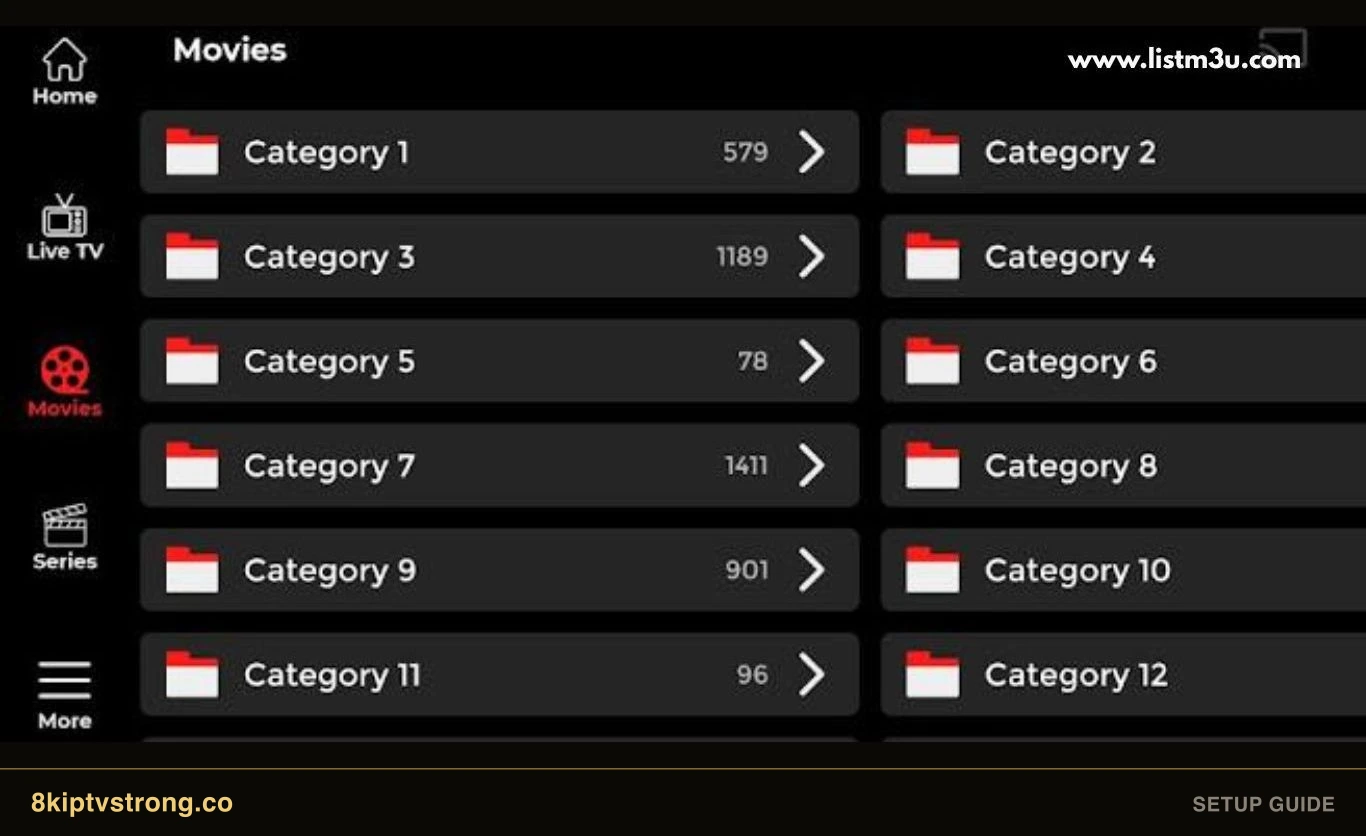
Click "Add User" and wait a few seconds for live TV channels, movies, and series to populate.
IPTV Smarters Pro setup not working?
These are the failures that account for almost every support message, listed in the order they turn out to be the cause.
-
Invalid Details error on login
Double check that the server URL includes http:// and that there are no accidental spaces in your username or password.
-
Categories do not display channels
Go to Settings inside IPTV Smarters, select "Refresh Channels, Movies & Series", and wait for download to finish.
Make it work better
- Enable Stream Format = MPEG-TS in Player Settings for smoother channel transitions.
- Always use Xtream Codes API login instead of entering an M3U URL.
Common questions
Is IPTV Smarters free?
Yes, the standard version is free to use with your subscription.