
How to Install IPTV on Amazon Fire TV Stick
Learn how to sideload and configure IPTV apps on any Amazon Firestick, Fire TV Cube, or Fire Edition TV using the Downloader app.
Before you start
- An Amazon Fire TV Stick plugged into your TV and connected to Wi-Fi
- Your 8K IPTV Strong login credentials
Step by step
-
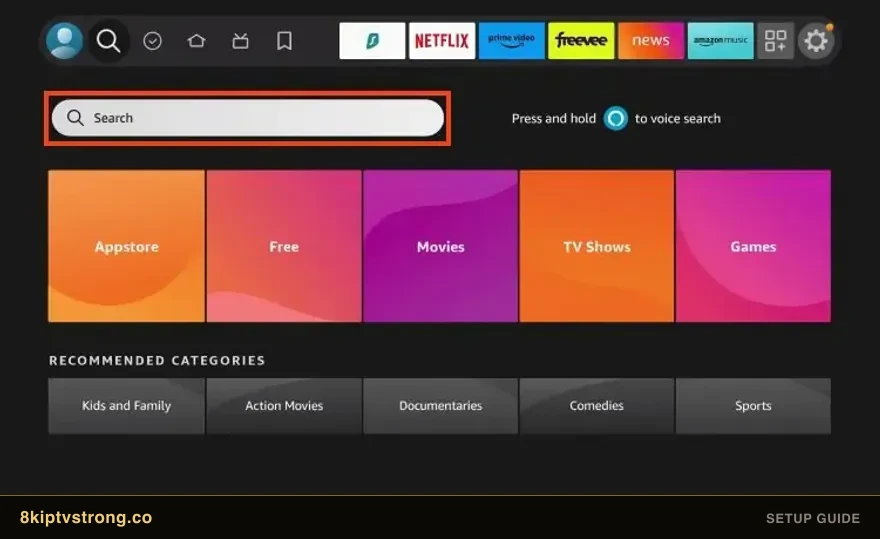
Search for the Downloader app
From your Fire Stick home screen, go to the Find search tab and type "Downloader". Select the orange Downloader app icon by AFTVnews.
-
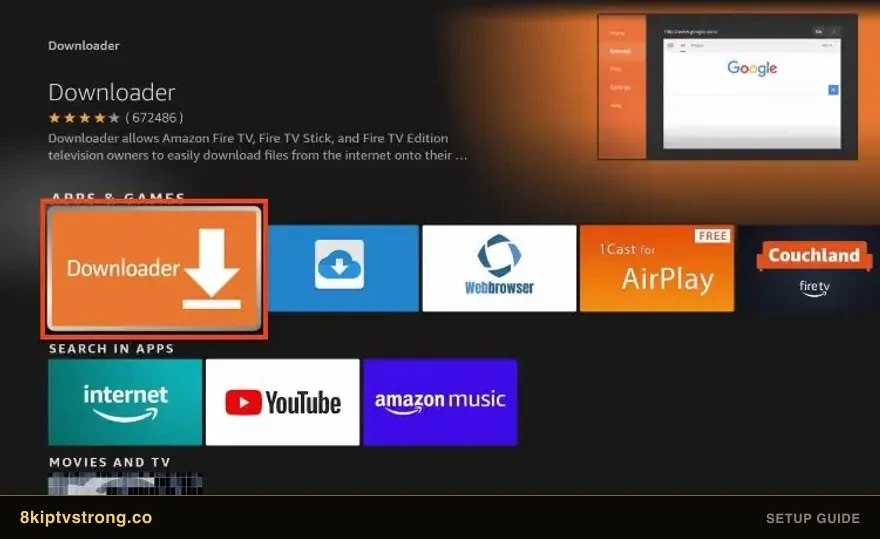
Download and install Downloader
Click Download or Get. The app will download and install automatically within a few seconds.
-
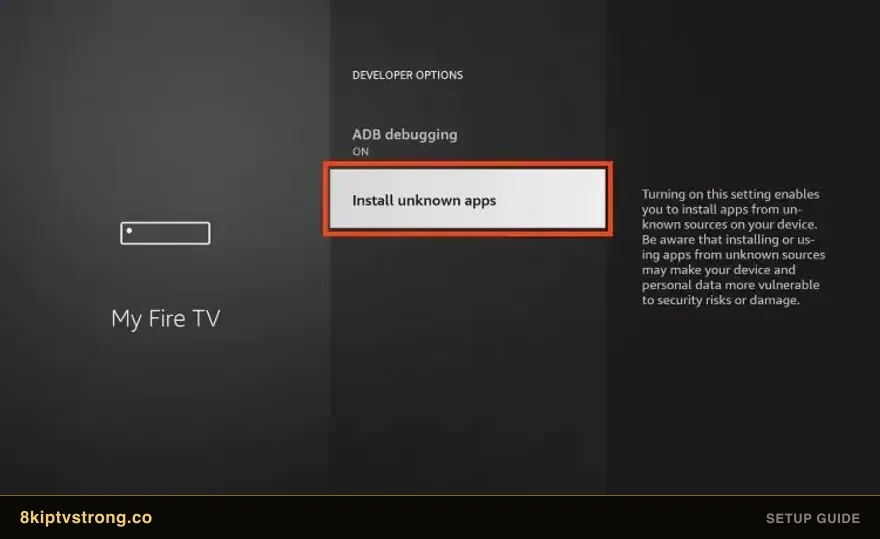
Enable Unknown Sources in settings
Go to Settings > My Fire TV > Developer Options (or About > click Fire TV Stick 7 times if Developer Options is hidden), then select Install Unknown Apps and turn ON for Downloader.
-
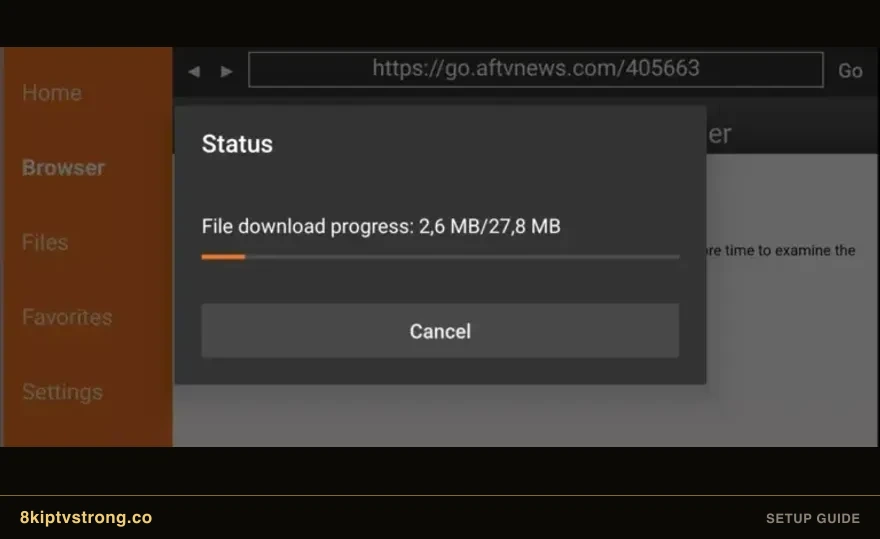
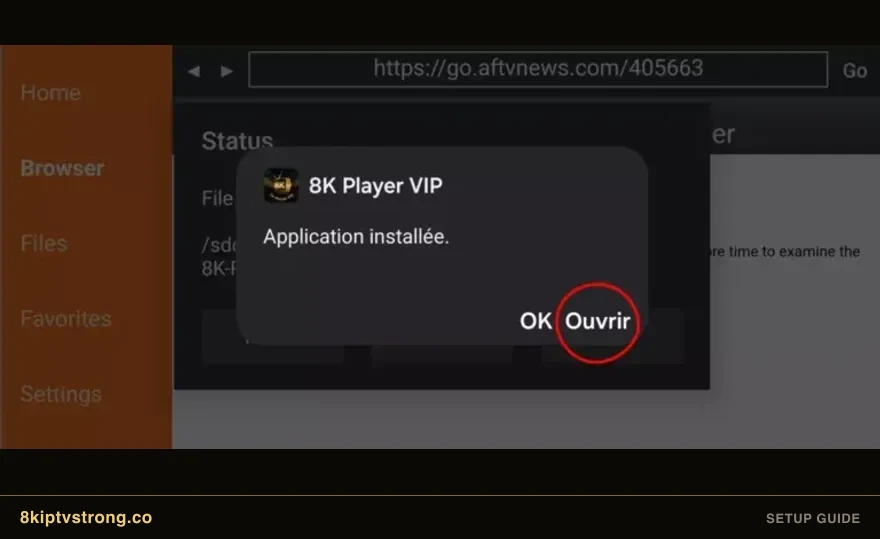
Download IPTV Smarters APK
Open Downloader, enter the short code or official download URL for IPTV Smarters Pro, and press Go. The APK file will begin downloading.
-
Install the app and enter your details
Once downloaded, click Install. Open the app, choose Xtream Codes login, and enter your 8K IPTV Strong server URL, username, and password.
Amazon Fire TV Stick setup not working?
These are the failures that account for almost every support message, listed in the order they turn out to be the cause.
-
Developer Options is missing in Fire TV settings
Go to Settings > My Fire TV > About and click on Fire TV Stick seven times until you see "No need, you are already a developer".
-
Downloader shows permission denied error
Go to Settings > Applications > Manage Installed Applications > Downloader > Permissions and allow Storage access.
Make it work better
- Restart your Firestick once a week to clear RAM and prevent video stuttering.
- Use TiviMate or IPTV Smarters Pro for the best playback experience on Fire OS.
Common questions
Why do I need the Downloader app?
Amazon Appstore restricts some direct player downloads in certain regions. Downloader allows you to install trusted IPTV apps safely and directly.
Does this work on Fire TV Cube as well?
Yes, the installation steps are identical for all Amazon Fire OS devices.