
M3U vs Xtream Codes: Which Should You Use?
The difference between an M3U playlist link and an Xtream Codes API login, which one to choose on each device, and how the choice changes your channel guide.
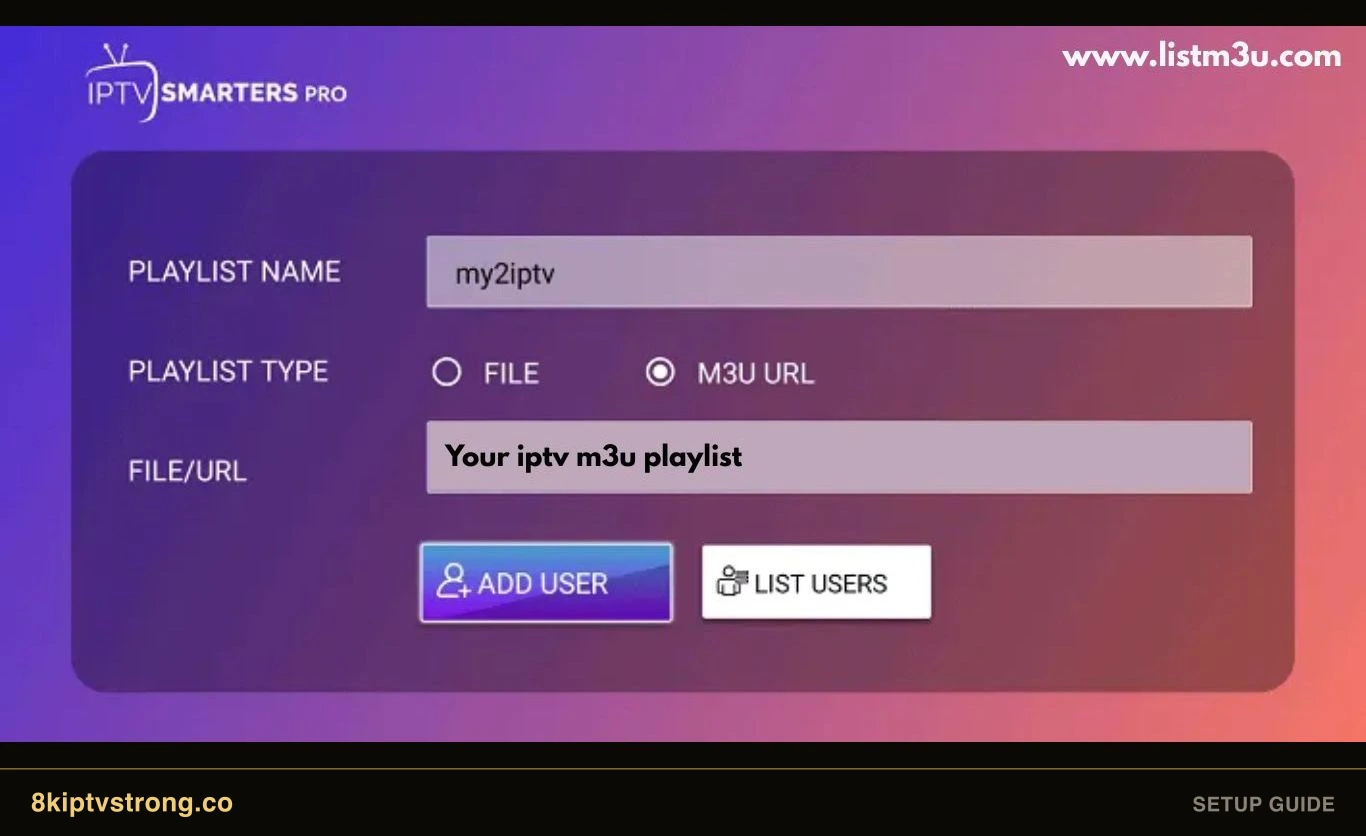
When you buy an IPTV subscription you usually receive two different sets of credentials: an M3U playlist link and an Xtream Codes API login. They give you access to the same channels, so it is reasonable to wonder why both exist.
The short answer: they are two formats for the same data, and one of them is faster, smaller and more capable than the other in almost every modern player. Here is how to choose.
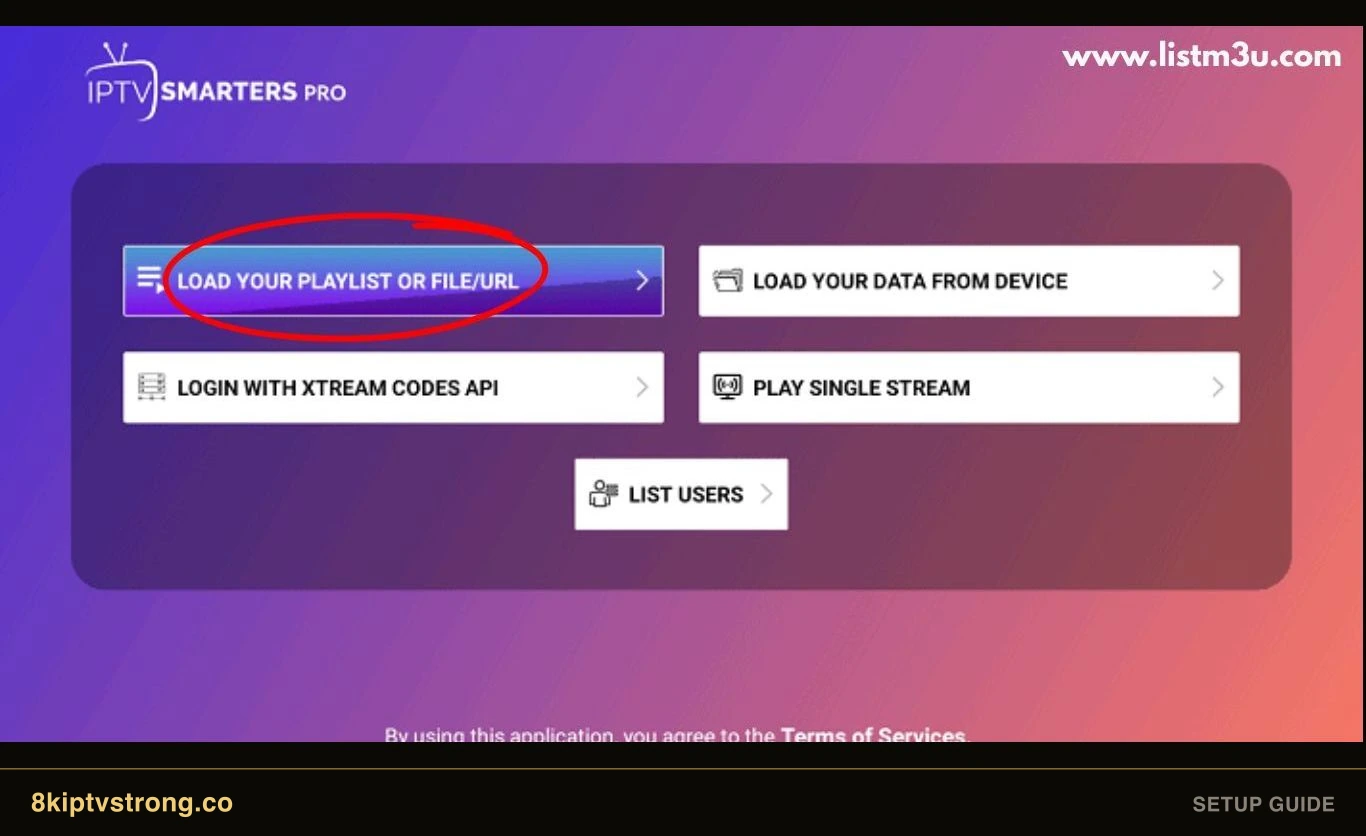
What an M3U link actually is
An M3U file is a plain text list of stream addresses. When your player loads it, it downloads a text document that looks roughly like this:
#EXTM3U
#EXTINF:-1 tvg-id="BBCOne.uk" tvg-logo="http://logo.png" group-title="UK",BBC One
http://server.example/stream/12345
#EXTINF:-1 tvg-id="ITV1.uk" group-title="UK",ITV 1
http://server.example/stream/12346
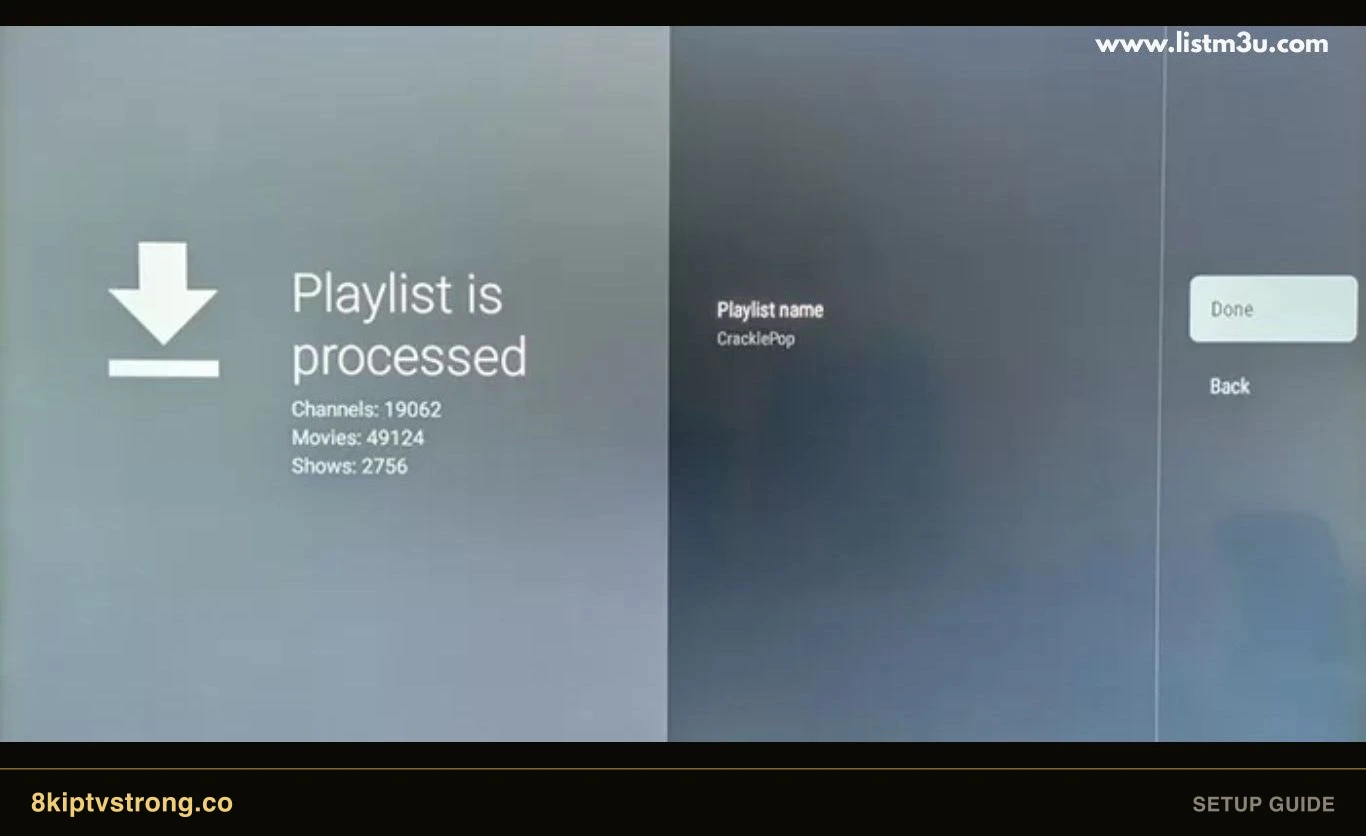
Every channel is one entry. A 45,000-channel list is therefore a large text file — typically 2 to 6 MB — and the player must download and parse all of it before showing you anything.
Strengths
- Works in literally every player, including old ones
- Portable: you can save the file, edit it, or split it
- Easy to hide unwanted categories by removing lines
Weaknesses
- Large download on every refresh
- The guide (EPG) must be configured separately, usually by pasting a second URL
- No catch-up support unless the provider encodes it in the URL
- On a slow TV app, parsing a multi-megabyte file can take a minute or more
What Xtream Codes actually is
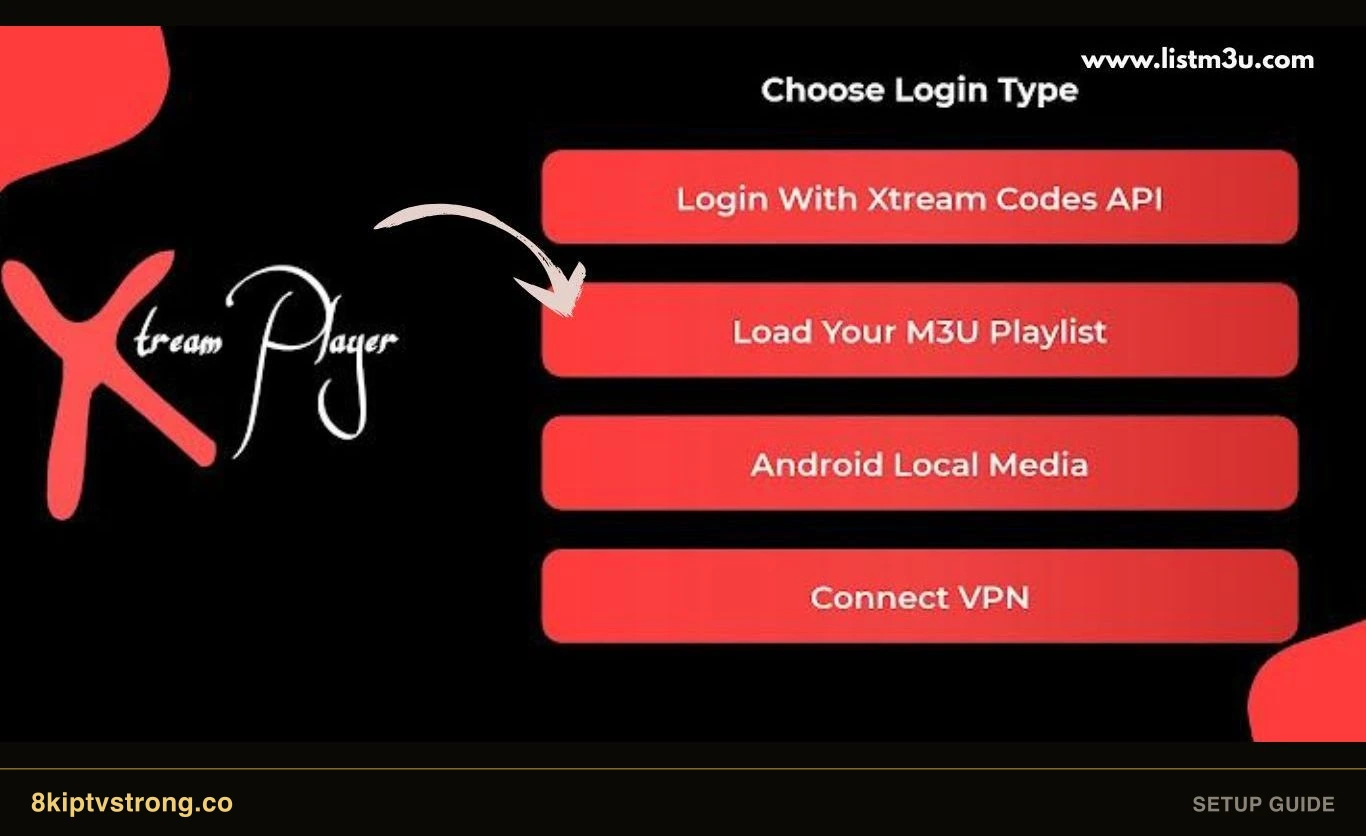
Xtream Codes is a small HTTP API. Instead of one big file, the player asks the server a series of short questions:
player_api.php— confirm the account is valid...&action=get_live_categories— give me the category list...&action=get_live_streams&category_id=12— give me the channels in one category...&action=get_simple_data_table— give me the guide for one channel
Each response is small and arrives in well under a second.
Strengths
- Fast: only the category you open is downloaded
- Guide data, catch-up and VOD metadata come through the same API
- The player can refresh in the background without freezing the interface
- Sets itself up from three fields — server, username, password
Weaknesses
- Requires a player that supports the Xtream API (most modern ones do)
- You cannot inspect or hand-edit the channel list
- The server URL must be entered exactly, including the port
Side-by-side comparison
| M3U link | Xtream Codes | |
|---|---|---|
| Initial load on a TV | 30 s to 2 min | 2 to 10 s |
| Channel data downloaded | 2–6 MB per refresh | 10–200 KB per category |
| EPG setup | Separate URL | Built in |
| Catch-up | Rarely | Yes, when the provider supports it |
| VOD metadata | Minimal | Posters, plots, durations |
| Works on old devices | Yes | Sometimes not |
| Hand-editable | Yes | No |
Which should you use?
Use Xtream Codes if your player offers it. It is faster, gives you working catch-up and populates artwork and descriptions automatically. On a Smart TV, the difference in interface responsiveness between the two is obvious — the M3U route makes a low-powered TV feel sluggish.
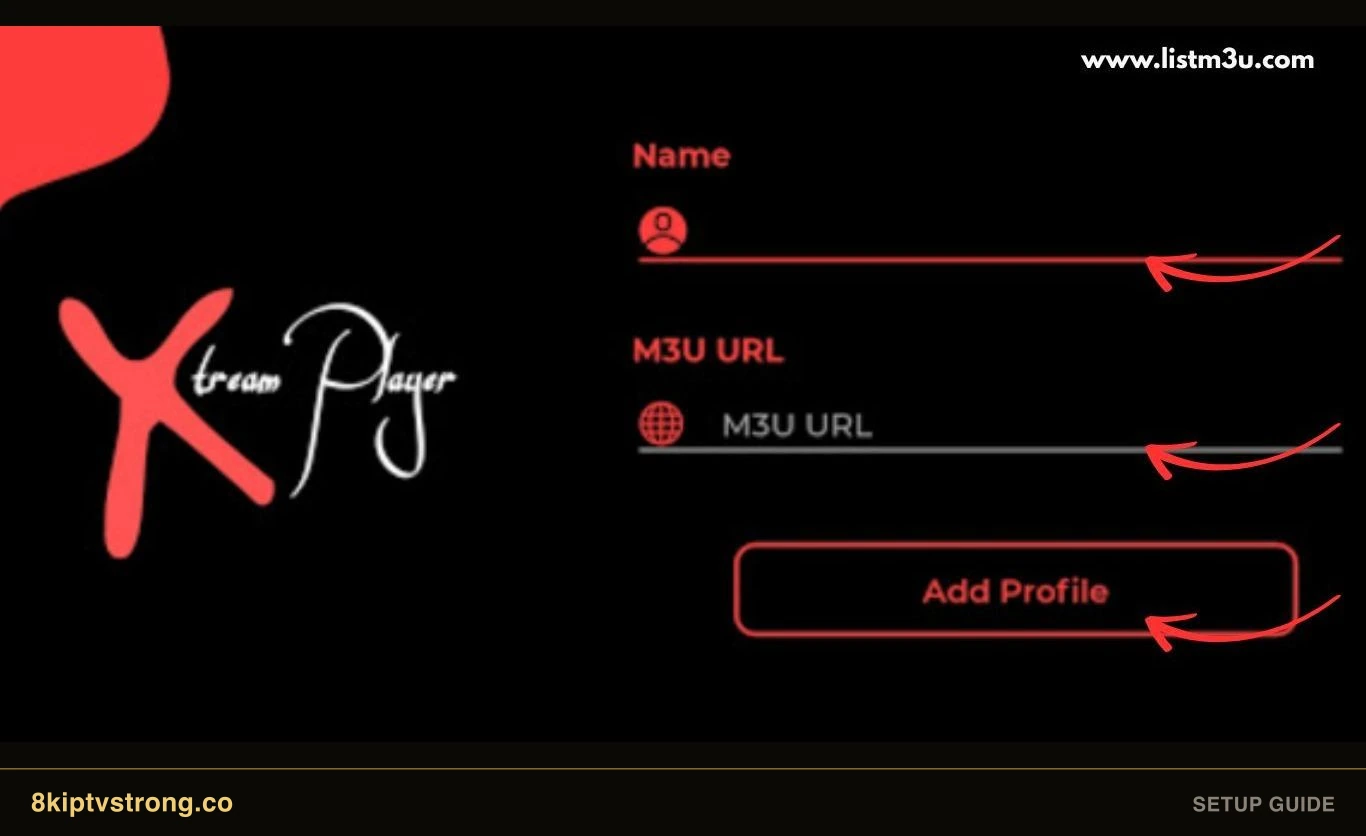
Use the M3U link in three situations:
- Your device or app does not support the Xtream API. Old MAG boxes, some Enigma2 images and a handful of legacy apps only understand M3U.
- You want to build a trimmed channel list and share it with a family member who should not see the full set.
- You are troubleshooting: an M3U link is easy to open in a text editor and inspect when something is wrong.
Changing between them later
You are not locked in. Both formats address the same account, so switching is usually a matter of adding a new playlist entry and deleting the old one. Two things worth remembering:
- Do not add both at once on a single-connection plan. Some players will keep both connections warm and hit your limits.
- After switching, clear the old playlist from the device. Leaving a stale M3U in the app is a common cause of duplicated or missing channels.
A note on sharing your credentials
Both formats embed your username, so a shared link is a shared account. Send a screenshot of your credentials to a group chat and it will be used by someone else within days. When you need to hand a stream to a friend, use the reseller programme instead — it gives them their own login.
M3U vs Xtream Codes — quick answers
Can I convert an M3U link into Xtream Codes credentials?
Not automatically, but the server URL is the same. Many providers give you the Xtream username and password alongside the M3U link — check the activation email before assuming you only have the playlist.
Why does my playlist load but show no channels?
The link is probably truncated or has a trailing space from copy-pasting. Re-copy it and paste into a plain text editor first to confirm it is a single unbroken line.
Do both formats use the same connection count?
Yes. The limit is on the account, not on the format, so switching from M3U to Xtream Codes does not give you an extra simultaneous stream.
Which format works better on a Smart TV?
Xtream Codes, by a wide margin. A TV processor takes far longer to parse a multi-megabyte playlist than a phone does, and the guide usually fails to load alongside it.
Can I use an M3U link on an old MAG box?
Yes — that is exactly the case M3U is still best at. The MAG and Enigma2 guide covers the portal setup those boxes expect.
Keep going
Whichever credential type you use, the device-specific steps are in the setup guides, and the buffering fixes cover what to do when the list loads but the picture keeps stopping.
- #m3u
- #xtream-codes
- #epg
- #players
- #playlist